Push to GitHub.
Your site goes live.
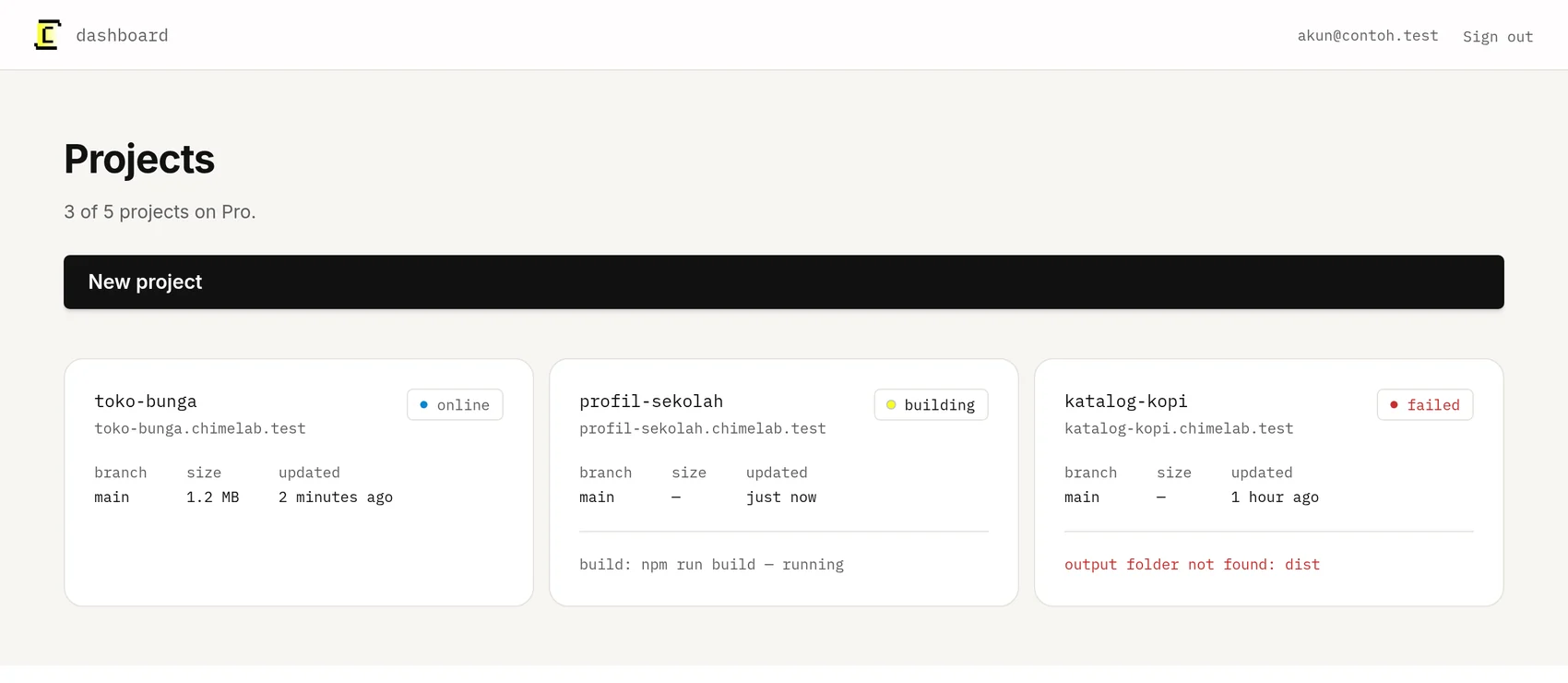
ChimeLab clones your repository, builds it, points your domain at it, and turns on HTTPS.
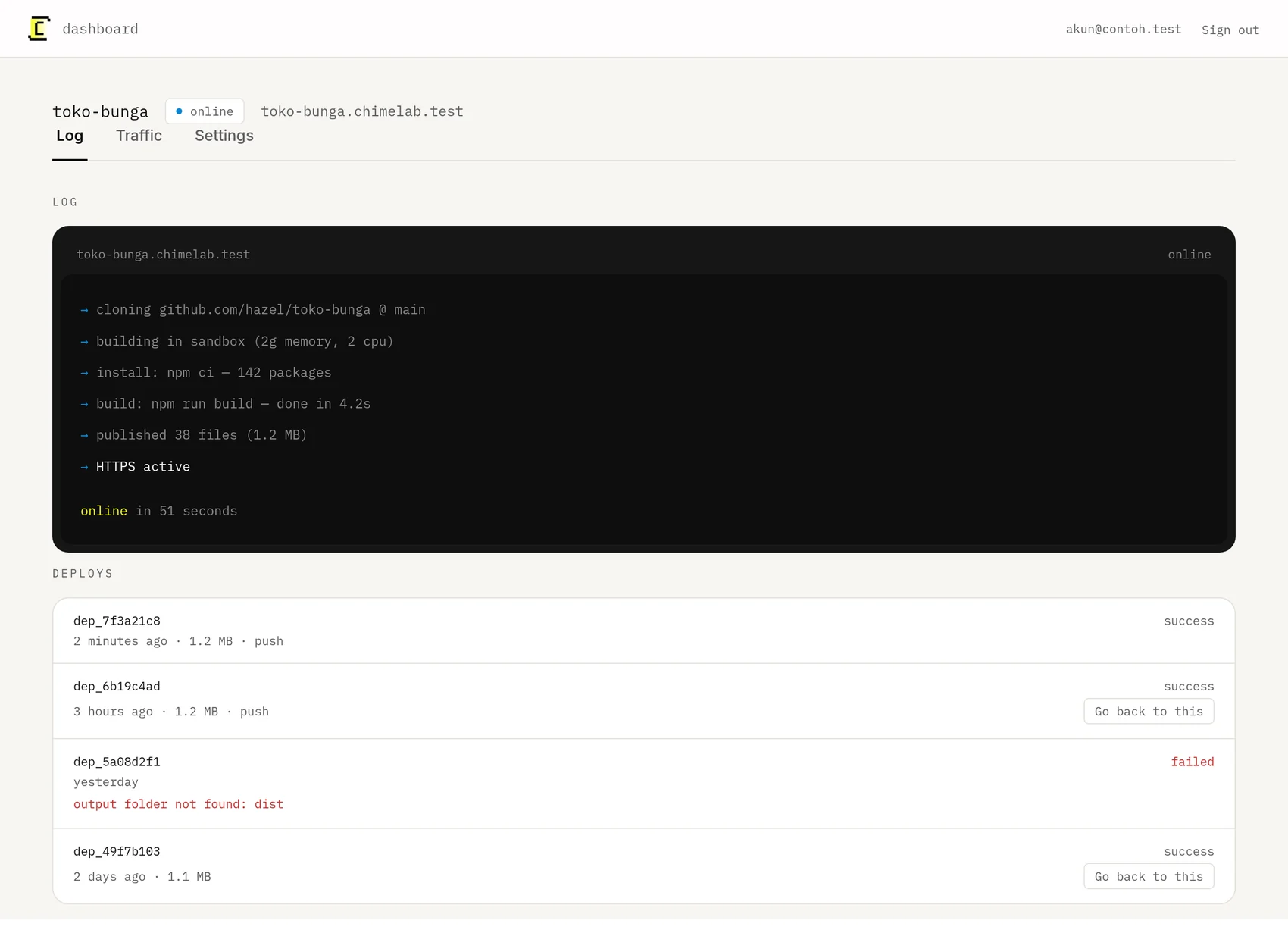
- → cloning github.com/hazel/toko-bunga @ main
- → building in sandbox (2g memory, 2 cpu)
- → install: npm ci — 142 packages
- → build: npm run build — done in 4.2s
- → published 38 files (1.2 MB)
- → HTTPS active
onlinein 51 seconds
Sites running on ChimeLab today
Both are deployed from their own GitHub repository and served from ChimeLab.
 Anugerah Palembang Tour
 Berkah Mutiara Laut
Everything a deploy needs, in one place
Deploy from GitHub
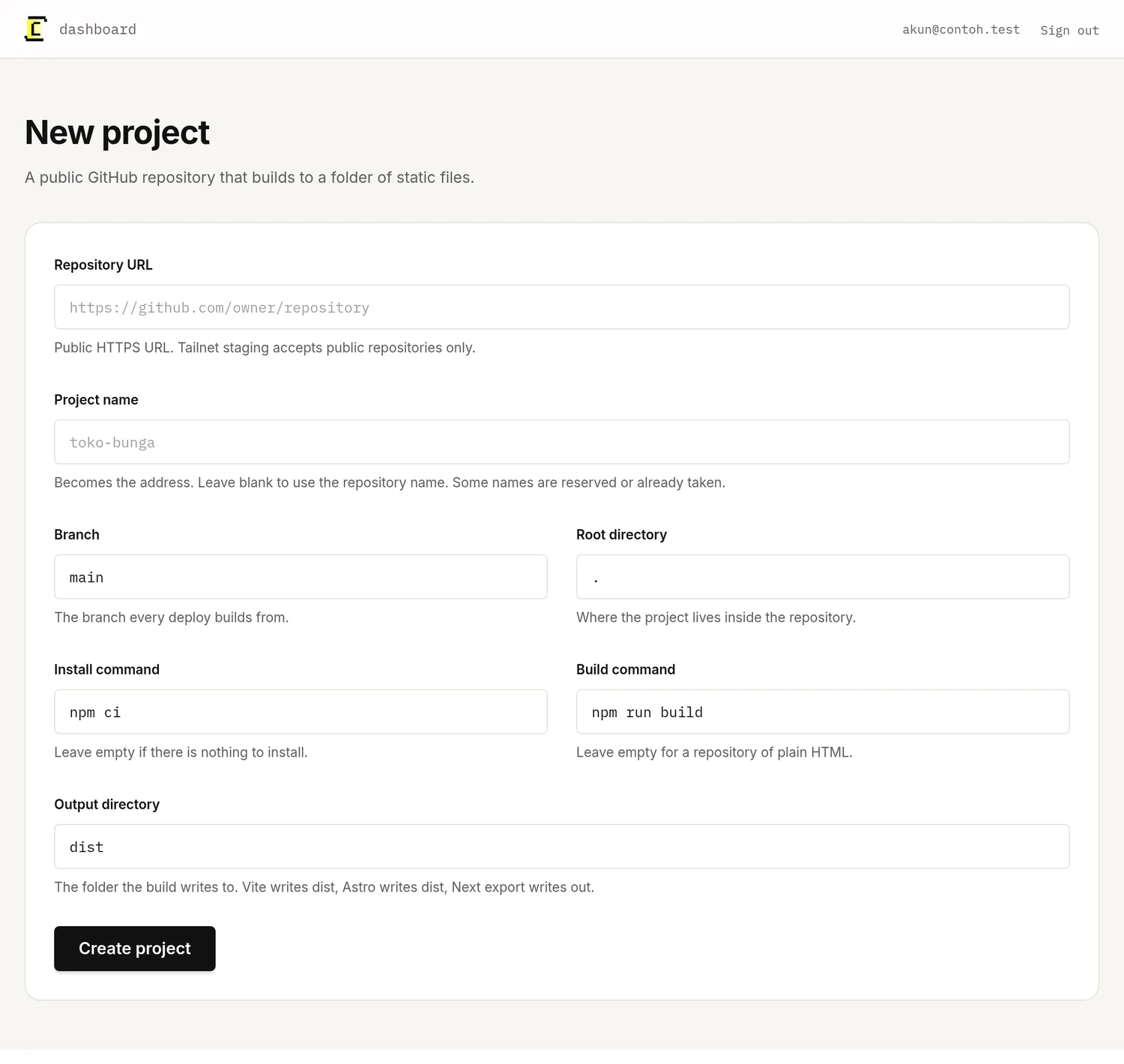
Connect a repository, pick a branch, set the build command. Every push after that deploys on its own.
ExploreDomains and HTTPS
Point your domain at us and the certificate is issued and renewed automatically. Nothing to configure.
Explore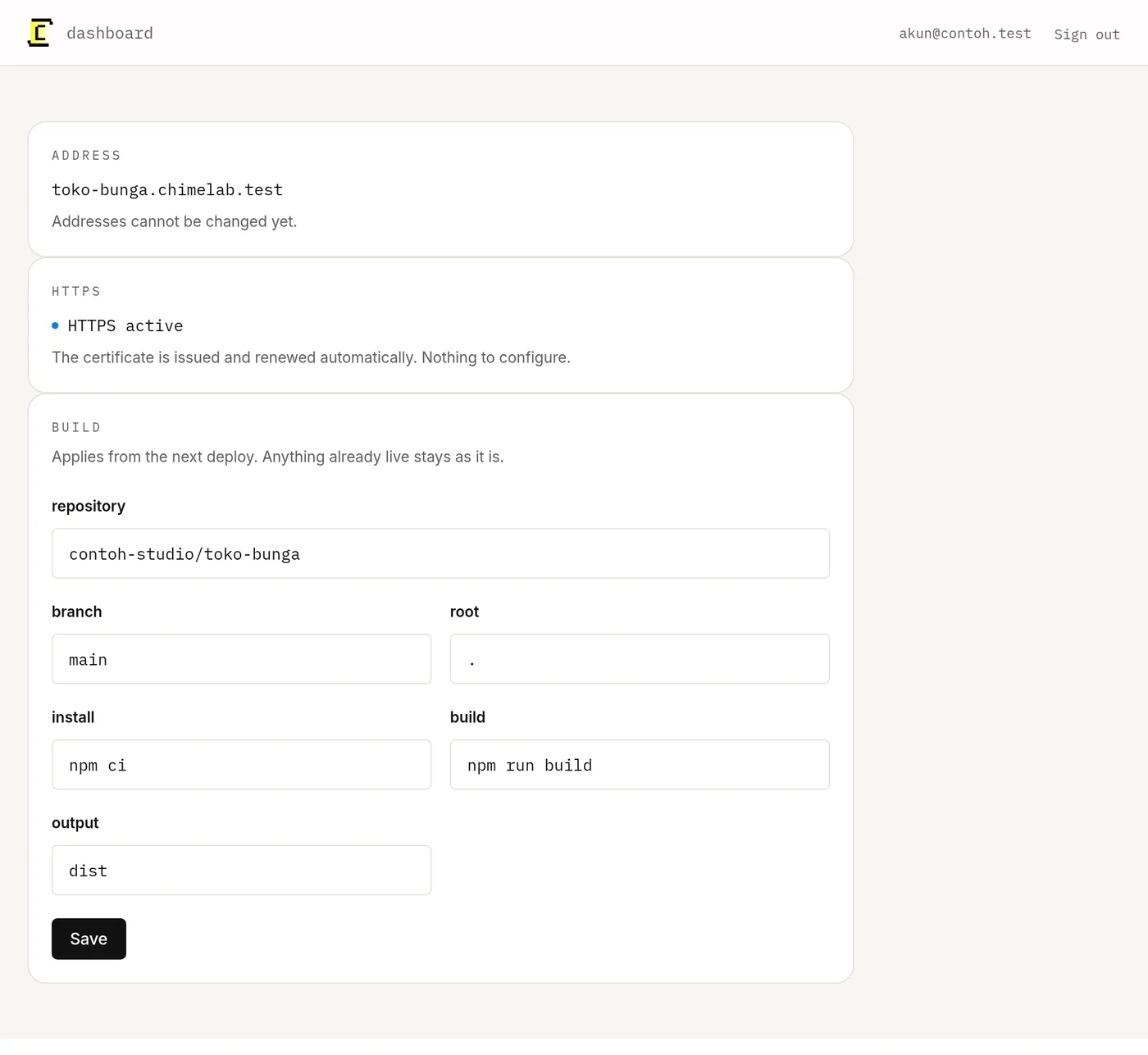
Logs you can read
Build output streams live while it runs. When something breaks, the reason is in plain text, not buried in a server.
Explore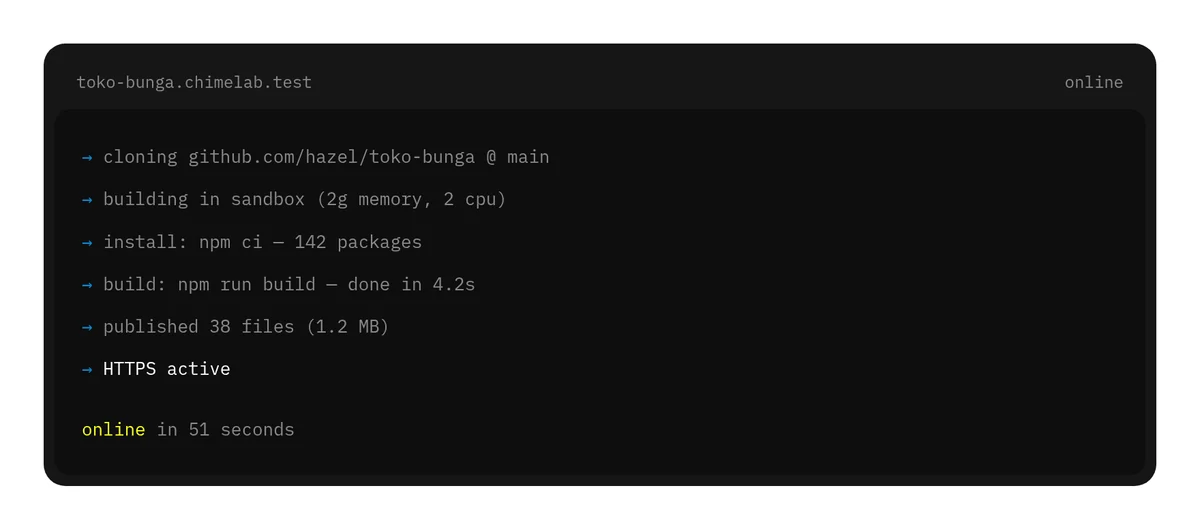
Rollback in one click
Every deploy is kept. Switching back to a previous version takes effect immediately, with no rebuild.
Explore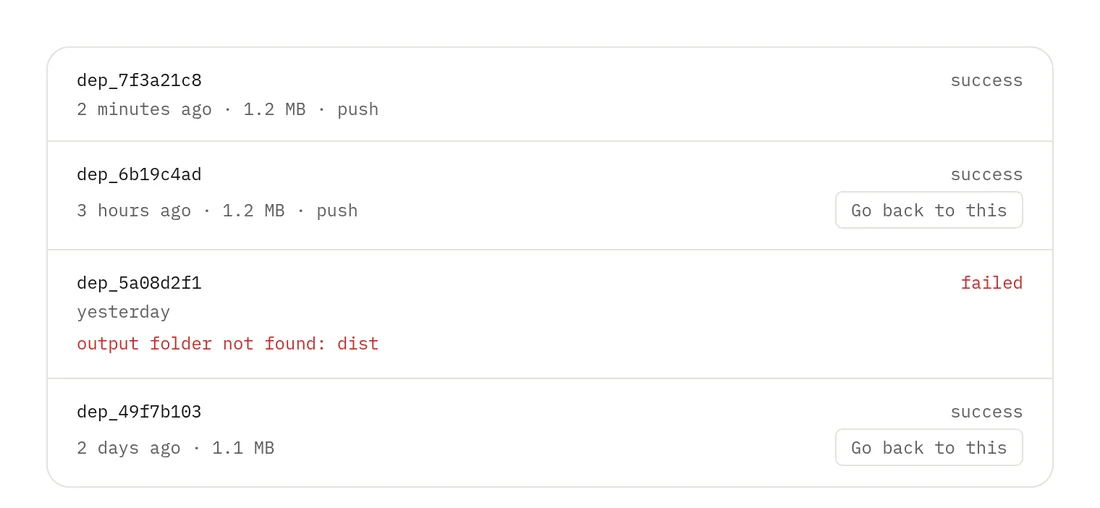
One place instead of six.
- server
- cPanel
- SSL vendor
- CDN
- uptime tool
- sysadmin
Hosting, domain, certificate and the person who answers when it breaks — all of it in one place, rather than six accounts you maintain yourself.
Built for the way you actually ship
Watch a build the whole way through
Clone, install, build, publish, certificate. Each step reports as it happens, so a failure tells you which one it was.
- Domains
- Variables
- Deploys
- Logs
Endless ways to use it
Read the docs- Portfolio
- Client landing page
- Company profile
- Documentation site
- Online catalogue
- Event page
- Blog
Get your first site live
Tell us what you are deploying and we will say whether ChimeLab fits it, in Bahasa Indonesia.