DocsDomains
HTTPS and certificates
There is nothing to buy, install, or renew. Once your domain resolves to ChimeLab, the certificate is issued and the padlock appears by itself.
Where this lives: Dashboard → Project → Domains
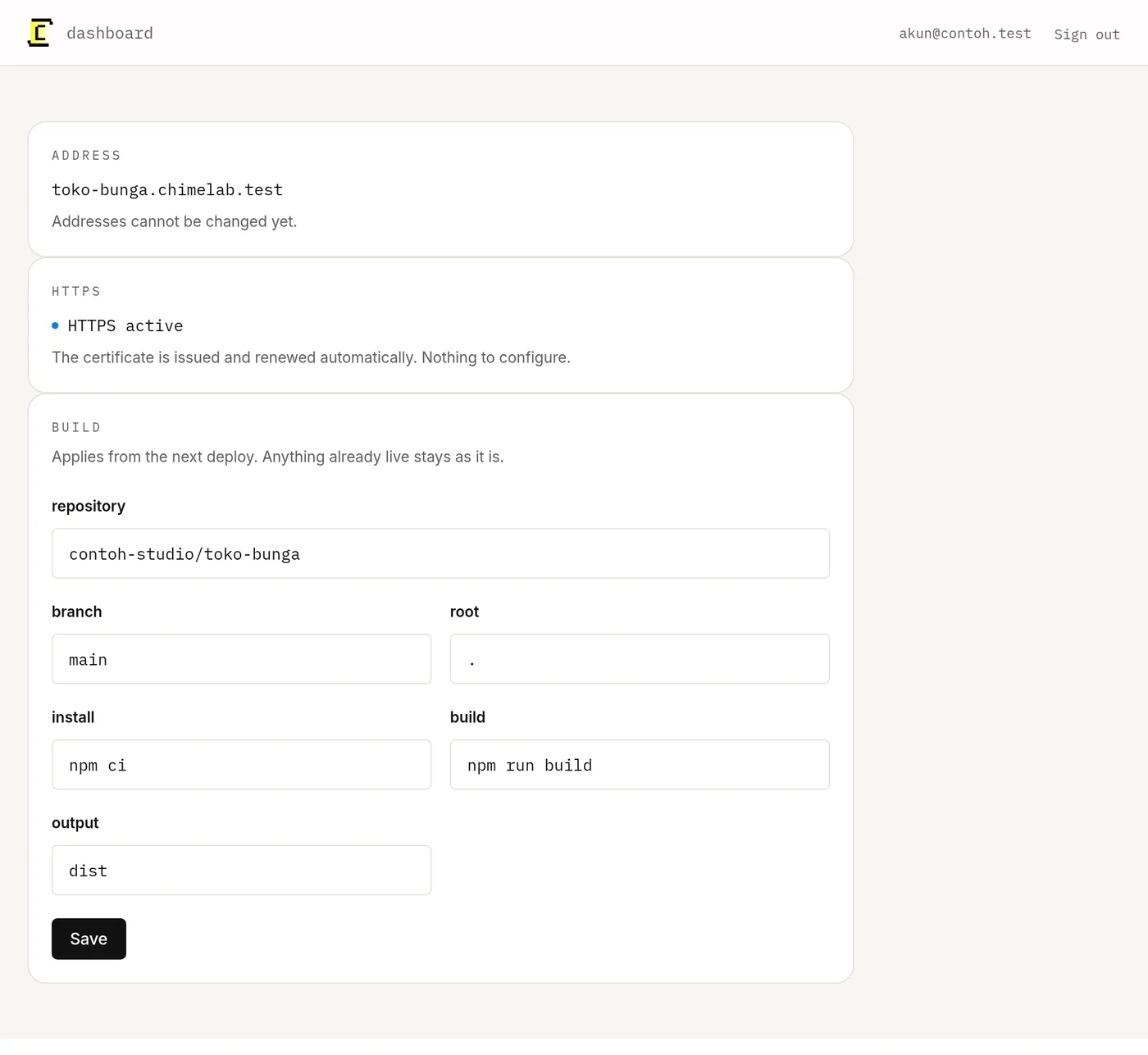
Certificates are requested automatically as soon as a domain points here and verified, and renewed automatically before they expire. The log line HTTPS active is the moment it finished. Nothing expires at midnight and nothing needs a reminder in your calendar.
http redirects to https
Visitors who type the address without https are sent to the secure one. You do not need to configure a redirect, and you should not add one of your own on top.
If the certificate does not appear
Almost always DNS, not the certificate. The check runs against the live record, so anything hiding that record stops it:
- 01
Confirm the record is live
Look it up from outside your own network — a phone on mobile data is enough. If it still shows the old value, propagation has not finished.
- 02
Turn off any proxy
Cloudflare's orange cloud, or the equivalent at another provider, has to be off while verification runs.
- 03
Check for a conflicting record
An old A record left behind from a previous host will fight the new one. Delete it.
- 04
Check CAA records
If your domain has CAA records, they must allow our certificate authority. Most domains have none at all, which allows everything.